
Ever feel like your money is running your life? Try this: set up a digital budget spreadsheet to take control today.
A digital budget spreadsheet shows exactly where your money goes every month. It helps you adjust when your income or costs change, so you always know what’s happening with your cash.
You can build your tracker easily with Excel or Google Sheets. In our step-by-step guide, we explain how to list your income, spending, and saving goals. This simple process makes smart spending choices clear and actionable.
Your next step: open your favorite spreadsheet tool and start setting up your budget. It only takes a few minutes to begin turning your finances around.
Step-by-Step Guide to Your Budget Spreadsheet

Using a digital budget spreadsheet makes managing your money a lot easier. It reduces mistakes and saves you time since all the calculations update automatically. When your income or expenses change, you simply adjust your numbers without extra hassle.
You can set up your budget easily with tools like Microsoft Excel or Google Sheets. Start by opening a new workbook and naming your sheet (for example, "April Budget 2026"). This way, you can quickly track your income, monitor your spending as it happens, and plan savings for future goals. For more budgeting basics, check out how to budget.
Try this:
- Pick a template.
- Add your income.
- List fixed and variable expenses.
- Decide how often to update your sheet.
- Enter your actual numbers.
- Review and adjust your plan.
By updating your budget every month, you'll notice clear trends in your money habits. This routine helps you make smarter spending choices and stay ready to adjust when needed. Next step: Open your sheet, fill in your numbers, and start taking control of your finances today.
Choosing a Budget Spreadsheet Template

Excel and Google Sheets both offer ready-made budget templates that save you time and cut down manual work. In Excel, simply go to File > New > Budget to see available options. In Google Sheets, you can find choices like Personal Monthly Budget and Annual Budget in the gallery. These templates help you get started fast so you can focus on tracking your income and expenses.
If these built-in templates aren’t perfect for your needs, try third-party options with extra features. For instance, the free Tiller Foundation Template automatically tracks daily balances, and the 50/30/20 Instant Budget Calculator helps you split your income the smart way. This gives you the flexibility to pick a tracker that matches your goals.
- Google "Monthly Budget"
- Excel "Simple Budget"
- Tiller Foundation Template
- FTC downloadable budget sheet
- 50/30/20 Instant Budget Calculator
| Template | Platform | Key Features |
|---|---|---|
| Monthly Budget | Google Sheets | Income vs. Expenses, Charts |
| Simple Budget | Excel | Fixed/Variable Split, Variance Column |
| Tiller Foundation | Excel & Sheets | Auto-feeds Bank Data |
Ready-made templates not only cut down setup time but also reduce mistakes. When you choose a proven template, you free up time to study your spending and make future adjustments. Try one that fits your style and track your progress today.
Designing the Layout of Your Budget Spreadsheet
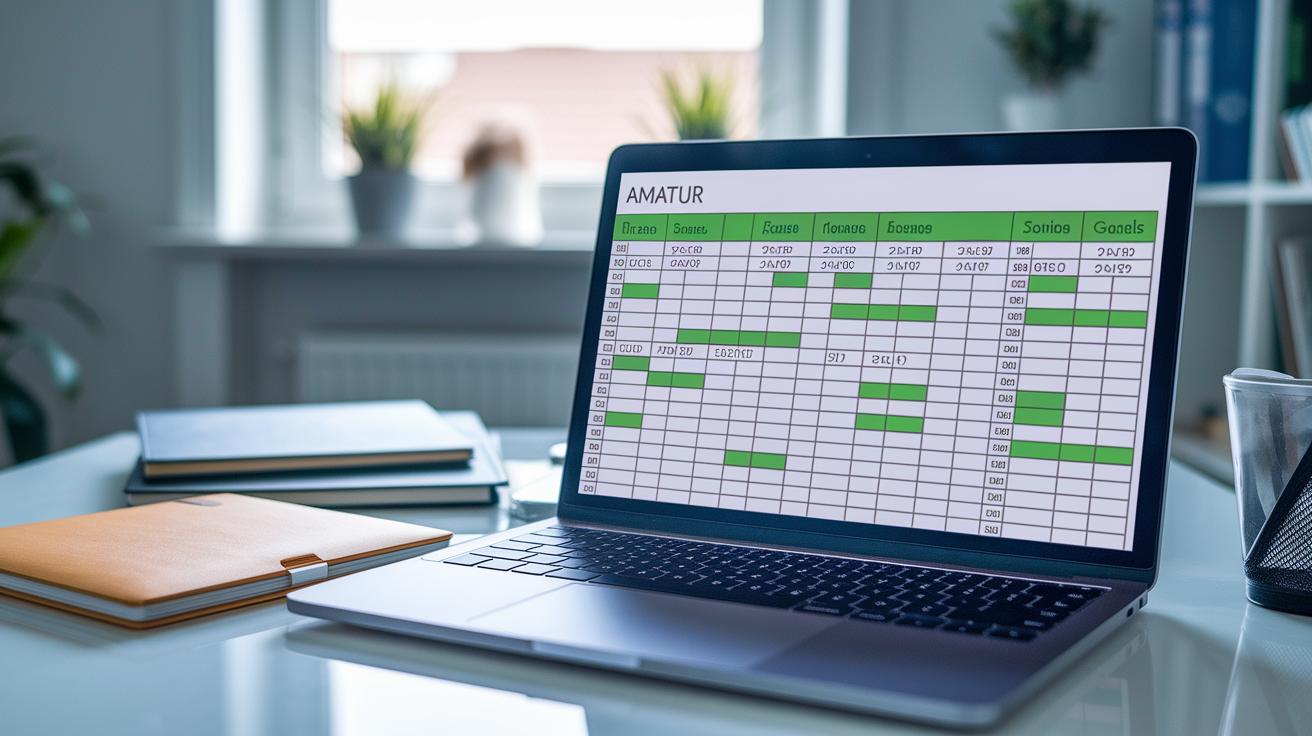
A neat layout cuts down on mistakes and makes data entry a breeze. Divide your spreadsheet into sections like Income, Fixed Expenses, Variable Expenses, and Savings Goals. This way, each entry lands in its proper category, making it easier to spot errors.
Set up your columns with clear headers such as Category, Planned Amount, Actual Amount, and Variance. This helps you quickly see where numbers differ. Use simple colors, green for income, blue for fixed expenses, and yellow for variable expenses, to guide your eyes. Adding borders around cells and freezing header rows keeps your titles visible as you scroll.
Keep your sheet consistent by using one font and aligning your text the same way throughout. This uniform look makes it simple to compare numbers and track your spending accurately.
Adding Formulas and Calculations to Your Budget Spreadsheet

Formulas cut down on errors and save you time. Instead of redoing totals manually when your income or expenses change, let automation work for you. This way, you can focus on spotting trends and making smart choices.
Start with the basic sum formula. For example, type =SUM(B2:B10) to quickly add all your income or expenses. This formula covers a set range and helps keep things accurate.
Next, check your budget with a simple variance calculation. Use a formula like =C2-B2 to see the difference between what you planned and what actually happened. This quick math shows you if you’re over or under budget in any category.
For a simple budgeting rule, try a formula like =TotalIncome*0.3. This tells you that 30% of your income is set aside for discretionary spending. You can even use conditional formatting to highlight when you overspend.
Test each formula to make sure it works correctly. Double-check that the cell ranges include everything they should, and update any wrong references right away. By verifying step by step, you keep your spreadsheet reliable and your budget on track.
Your next step: Open your budget spreadsheet and add one of these formulas now.
Customizing Your Budget Spreadsheet for Your Financial Goals

Visual tools like bar and pie charts turn an ordinary budget spreadsheet into a helpful financial dashboard. They let you quickly compare what you planned to spend with what you actually spent. For example, a pie chart that shows your expense breakdown can point out if you’re spending too much on dining out.
Set up dropdown lists using data validation so your expense entries stay consistent. This simple step speeds up data entry and cuts down on mistakes. It also makes it easy to pull totals from a hidden “Data” sheet where your transactions (CSV) are linked with preset formulas. This keeps your records organized and your calculations clear.
If you share your budget with a partner or track both personal and business finances, adjust your rows to fit your needs. Add extra rows for joint expenses or for specific business lines. This flexibility allows you to tailor the sheet to a variety of financial situations. Next step: try integrating a finance tracker that updates automatically for even better control.
Maintaining and Updating Your Budget Spreadsheet

Set a regular schedule for updating your spreadsheet. If you record transactions daily or weekly, update your sheet once a week. For a more steady budget, a monthly check works fine. This quick win keeps your numbers accurate and your financial plan in sync.
Take a moment to compare your Actual vs. Planned spending. If one category consistently goes over, adjust your target for the next month. Try this: plug in the new figure next month to better reflect your spending habits.
Always keep backups of your spreadsheet. Use tools like Google Sheets version history to track changes and revert when needed. Even if you sync with budgeting apps, check your data manually to make sure it stays accurate and secure.
Your next step: Set a calendar reminder to update your budget the next time you log your spending.
Final Words
In the action, this guide walked you through setting up a reliable budget spreadsheet, from picking a template to calculating income and tracking spending. We outlined clear steps to list fixed and variable expenses, add formulas, and customize features so you can see your money work. We also shared tips for regular updates, which help you fine-tune your strategy over time.
Take what you've learned on how to make a budget spreadsheet and apply it right away to gain clearer financial control. Enjoy creating a system that works for you!
FAQ
How to make a budget spreadsheet template?
Making a budget spreadsheet template involves using software like Excel or Google Sheets to set up columns for income, fixed and variable expenses, and totals. It also means selecting free or downloadable templates and adding formulas for sums and variances.
How to make a budget spreadsheet for an event?
Creating a budget spreadsheet for an event means listing event-specific income and expenses separately. Include sections for costs, expected revenue, and a final comparison to track whether the event stays within budget.
What is the 50/30/20 rule budget?
The 50/30/20 rule budget allocates 50% of your income to needs, 30% to wants, and 20% to savings or debt repayment, serving as a simple guide to balance spending and saving.
Are there built-in budget templates in Excel and Google Sheets?
Both Excel and Google Sheets provide built-in budget templates. Excel offers options like a Simple Budget, and Google Sheets features themes such as Personal Monthly Budget, making setup fast and user-friendly.