
Feeling swamped by your money worries? Try using a budget planner to take control. Write down your income, bills, and savings goals on paper to see where every dollar goes. This simple tool grows with your life and helps you track your spending easily.
Your next step: Grab a notepad and write down last month’s income and expenses. This quick move can be the start of a more secure financial future.
Step-by-Step Budget Planner Setup
A budget planner book is one of the easiest ways to take control of your money. When you jot down your income, spending, and savings goals in one spot, you get a clear picture of your cash flow. This simple tool grows with you as your needs change.
Using a printed planner means you can easily add notes and update your figures by hand. This hands-on method makes it quick and simple to see progress and make changes without getting bogged down by too many digital steps.
Try this:
- Write down every source of income, like your regular paychecks and any side gigs.
- Track each month’s spending by splitting bills into fixed costs and extra expenses.
- List any debts, such as credit cards, student loans, or mortgages.
- Set a clear savings goal. For example, aim to save $10,000 in two years by setting aside around $416.67 every month.
- Choose a budgeting method that works for you, be it using cash envelopes, a spreadsheet, or customizing your own notebook layout.
Your next step: Keep your planner updated regularly. When you record your spending daily or weekly, you always know where your money goes. This regular check-in lets you adjust your budget after big changes like a pay raise, a move, or a new baby, so you stay on track with your goals.
Essential Components of Every Budget Planner

Start by tracking all your income and expenses. Use an income log to note when you get paid, where the money comes from, and how much you earn, from paychecks to side jobs. Then, use an expense tracker to record your bills, separating regular fixed costs from spending that changes each month. This simple setup gives you a clear look at where your money comes from and how it leaves.
Next, add a debt worksheet, a savings goals section, and a spot for notes. The debt worksheet lets you list what you owe, like credit cards, student loans, or mortgages, along with their minimum monthly payments. In the savings section, write down your goals for an emergency fund or upcoming big purchases. The notes area is great for jotting down one-off costs or reminders that don’t fit elsewhere.
When you put these pieces together, you get a full view of your cash flow. Recording your income and tracking expenses helps you see daily spending. Listing debts and savings target areas for improvement, while the notes section makes sure nothing is forgotten. Your next step? Download a free budget template and fill in last month’s figures to see your money in action.
Choosing Your Budget Planner Format: Digital vs. Paper
When it comes to choosing your planner, focus on what makes your life easier. A digital planner, using tools like Google Docs, Sheets, Canva, or exportable PDFs, does auto calculations, lets you update figures in seconds, and makes sharing a breeze. On the other hand, a paper planner, made with dot-grid notebooks or pre-printed pages, gives you a hands-on vibe with markers, stamps, stickers, and dividers.
Often, the best option is a mix of both. Try this: design your layout in Canva or Google Sheets and then print it out to enjoy the benefits of a digital system with a creative, physical twist. For example, you can use a free budget planner template to automatically track income and expenses. When using a printed version, physically cross off tasks and visually check your progress.
Your next step: Set a monthly review where you update digital calculations and note any manual changes. This balanced approach mixes efficiency with the personal touch of pen and paper, allowing you to adapt your workflow to fit your daily routine perfectly.
Customizing Your Budget Planner Layout
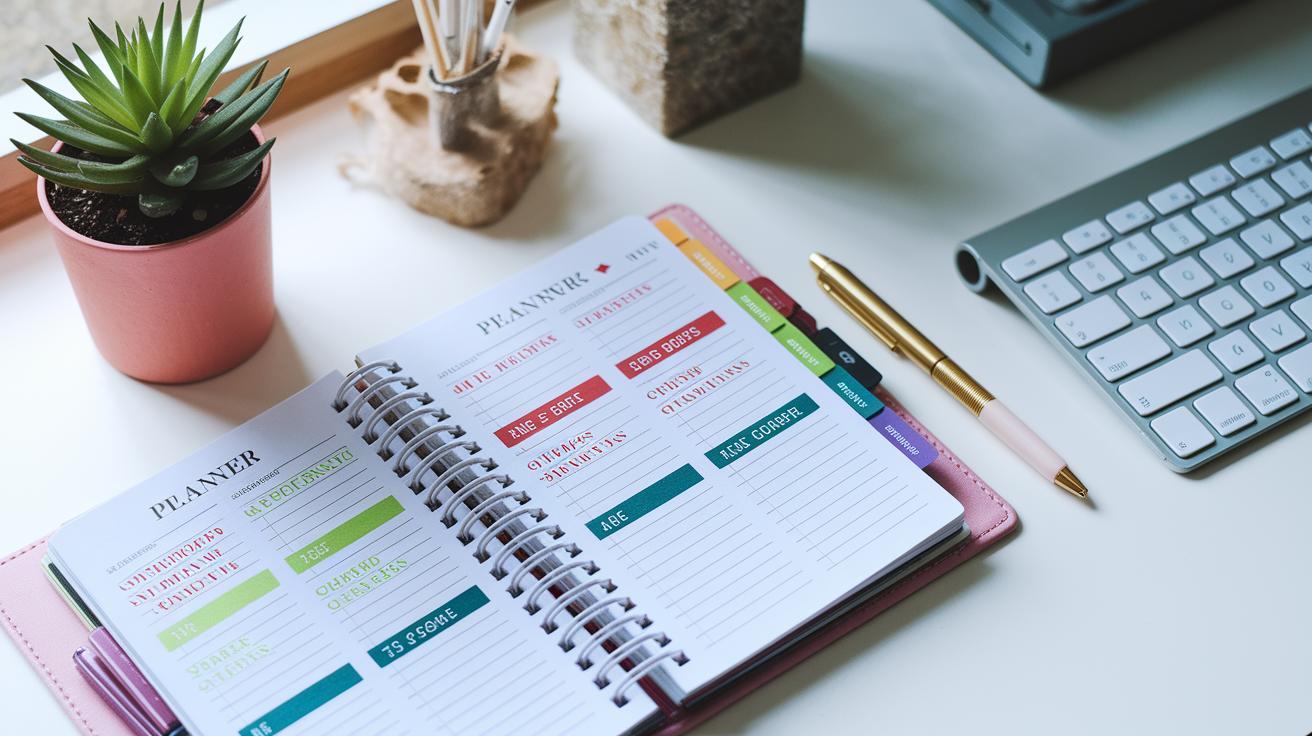
Start by setting up your planner with a clear layout. Use simple colors to organize your sections, red for debts and green for income, so you can quickly see what matters. Add extra columns for one-off expenses or side gig income, and include a spot to track your emergency fund milestones. This clear setup helps you see your full financial picture at a glance.
| Section | Purpose |
|---|---|
| Income | Record all money earned |
| Expenses | Track both fixed and variable costs |
| Debts | List outstanding balances and payments |
| Goals | Outline savings targets and emergency funds |
Think about the style that will keep you motivated. Pick clear fonts and use stickers or markers to highlight key sections for quick reference. Try adding a small journal area to note changes or thoughts about your spending. This little tweak can make your planner a friendly tool that guides you to your next financial step.
Tracking and Updating Your Budget Planner
Keep track of every transaction each day or at least once a week. Write down what you spend and earn as soon as you can. This simple habit lets you see if you’re staying within your spending limits. Try using a digital money organizer, it shows what you planned versus what actually happened.
When life changes, like getting a new salary or adding a new family member, update your budget right away. Change your spending categories to include any new or different costs. A few quick tweaks now can stop surprises later and keep your cash flow steady.
Review your budget regularly. Compare your totals with your planned amounts and spot where you might be off track or can cut back. These check-ins sharpen your money tracking skills and give you the info you need to adjust your plan over time.
Your next step: Spend 10 minutes each week updating and reviewing your budget planner to ensure it grows with your financial life.
Free Templates and Online Tools for Budget Planner Creation

Quick win: Download a free budget template today and start organizing your money right away.
Using a ready-made template saves you time and takes the stress out of building a planner from scratch. These templates clearly show sections for your income, expenses, debts, and savings, so you just plug in your numbers and get going.
Google Sheets and Canva both offer smart options for budget planning. Google Sheets templates automatically calculate your totals with built-in formulas, while Canva lets you adjust colors and move sections around to suit your style. You can easily update categories or sync your details as your needs change.
There are more choices to explore, like MoneyRepo sample PDFs and cloud-based apps. PDFs are a great pick if you prefer a printed version you can fill out by hand, while cloud apps give you real-time updates on any device. Try one out today so you can keep a closer eye on where your money is going.
Expert Tips to Maximize Your Budget Planner
Spend 10 minutes each week reviewing your planner. This short check helps you catch any missing entries and fine-tune your spending goals. Use your phone or calendar to set reminders for bill due dates so you never miss a payment. A quick weekly review can stop small issues from becoming bigger problems.
Try this: Set a recurring reminder on your phone for a 10-minute check-in each week.
Also, set small savings goals. For example, aim to add an extra $50 to your savings each month. Look at your spending from the previous month to see what worked and what can be adjusted. This practice builds discipline and helps you see how everyday choices affect your overall financial health.
Finally, keep your motivation up by making visual progress charts. Use a color-coded tracker or simple graph to display your savings growth and bill payment wins. These visual cues give you a daily boost, helping you stick with your money habits.
Final Words
In the action here, we broke down clear steps to create your own budget planner. We showed how to record income, track spending, organize debts, set goals, and choose a format that works for you. We explained how to customize your layout and keep the plan updated with regular reviews.
Keep applying these steps as you learn how to make a budget planner that suits your needs. Stick with it and watch your financial progress grow over time.
FAQ
How can I create a budget planner for free?
The question about making a free budget planner means you can use no-cost templates from online sources such as Google Sheets or Canva. Customize these templates to log income, expenses, debts, and savings easily.
How do I build a budget planner using Excel?
The question about creating a budget planner in Excel means you can start with a simple spreadsheet template. Input your income and expenses, use basic formulas for totals, and update the data regularly.
How do I design a budget planner PDF?
The question about making a budget planner PDF means you can design your layout using programs like Canva, Google Docs, or Excel. Once complete, convert the file to PDF for easy printing or sharing.
How do I set up a monthly budget planner?
The question on making a monthly budget planner means begin by recording your income, fixed costs, and variable expenses. Set clear savings goals and review the plan monthly to stay on track.
How do I make a homemade budget planner?
The question about a homemade budget planner means you can use a notebook or printable template to manually track daily transactions, expenses, and financial goals. This hands-on method offers flexibility and simplicity.
What does the 50/30/20 budget rule mean?
The question about the 50/30/20 budget rule means you split your income into 50% for needs, 30% for wants, and 20% for savings or debt repayment. This rule guides balanced spending.
How can I budget $3,000 a month effectively?
The question on budgeting $3,000 monthly means list all income and essential expenses first, then allocate funds for discretionary spending and savings. This method helps adjust spending based on your financial goals.