
Ever wonder why saving money feels so hard? Automatic savings apps can make it simple. They quietly set aside a bit of cash every time you spend money. You keep living your life, while your savings grow without you even thinking about it. These apps use secure tools to watch your spending and help push you toward your financial goals.
Your next step: Give one of these apps a try today and start making saving money effortless.
automatic savings apps: Spark Effortless Money Growth
Automatic savings apps help you save money without even thinking about it. They link directly to your bank account and work quietly in the background. Every time you spend, a small bit of money slips into your savings fund. This means you never have to worry about setting money aside manually. Every purchase moves you one step closer to your financial goal.
These apps use a tool called Open Banking to read your account transactions safely and securely. Open Banking lets the app see your spending without touching your money. By keeping track of every deposit and expense, the app figures out how much you can save safely. The process runs on its own, fitting naturally into your daily routine.
Smart algorithms power features like micro-deposits and round-up savings. For example, an app might round up the cost of your purchase to the next dollar, sending the extra change into your savings account. Chip uses this approach by calculating a small, affordable saving amount, though it charges £0.45 each time it moves money. This small fee is a fair trade for a tool that builds your savings automatically without constant effort.
Key Features of Top Automatic Savings Apps

Automatic savings apps help you set money aside with minimal effort. They use a round-up system to take spare change from your everyday purchases and add it to your savings account. You can also set up scheduled transfers so that money is moved automatically at set times, letting you see your savings grow step by step. Many apps come with a simple budgeting tool that shows your balance and sends quick alerts to keep you in the loop about your finances.
With instant transfer options, it's easy to move your funds to a traditional account that may offer higher interest rates. This smart automation makes managing your money a breeze and supports your overall financial goals. Whether you’re saving spare change or using regular deposits, these features work together to help you track and reach your savings targets.
- Round-up spare change collector
- Micro-deposit automation
- Custom deposit schedules
- Real-time goal tracking
- Budgeting integration
Comparing the Best Automatic Savings Apps
Automatic savings apps help you save money without needing constant attention. They work by rounding up your purchases or scheduling regular deposits, so you can watch your funds grow without extra effort. Whether you like a simple round-up method or a more advanced AI autosave, there’s an option that fits your needs.
| App | Primary Feature | Fee | Interest/Protection | Ideal For |
|---|---|---|---|---|
| Chime® | Round-up savings | Free | FDIC/FSCS | Everyday purchases |
| Acorns | Micro-investing | $3/mo | Not FDIC | New investors |
| Chip | Autosave AI | £0.45/save | FSCS £85k | Goal-driven |
| Plum | No-fee round-up | Free | FSCS | Value seekers |
| Moneybox | Round-up to ISA | Free | FSCS | Tax-efficient saver |
Each app uses a different approach to move money from spending to saving. For instance, Chime® rounds up everyday purchases so spare change adds up over time. Acorns collects small amounts and lets them grow as micro-investments, with just a $5 minimum. Chip uses AI to review your spending and decide a safe amount to transfer, though each move costs £0.45 as part of a goal-focused strategy.
Plum stands out by offering free round-up and autosave actions while keeping your money secure with FSCS protection. Moneybox shifts rounded-up money into ISAs for tax-efficient savings, though there may be a waiting period between 32 and 95 days.
Your next step: Review your saving style and try one of these apps today to start building your savings with ease.
Security and Bank Integration in Automatic Savings Apps
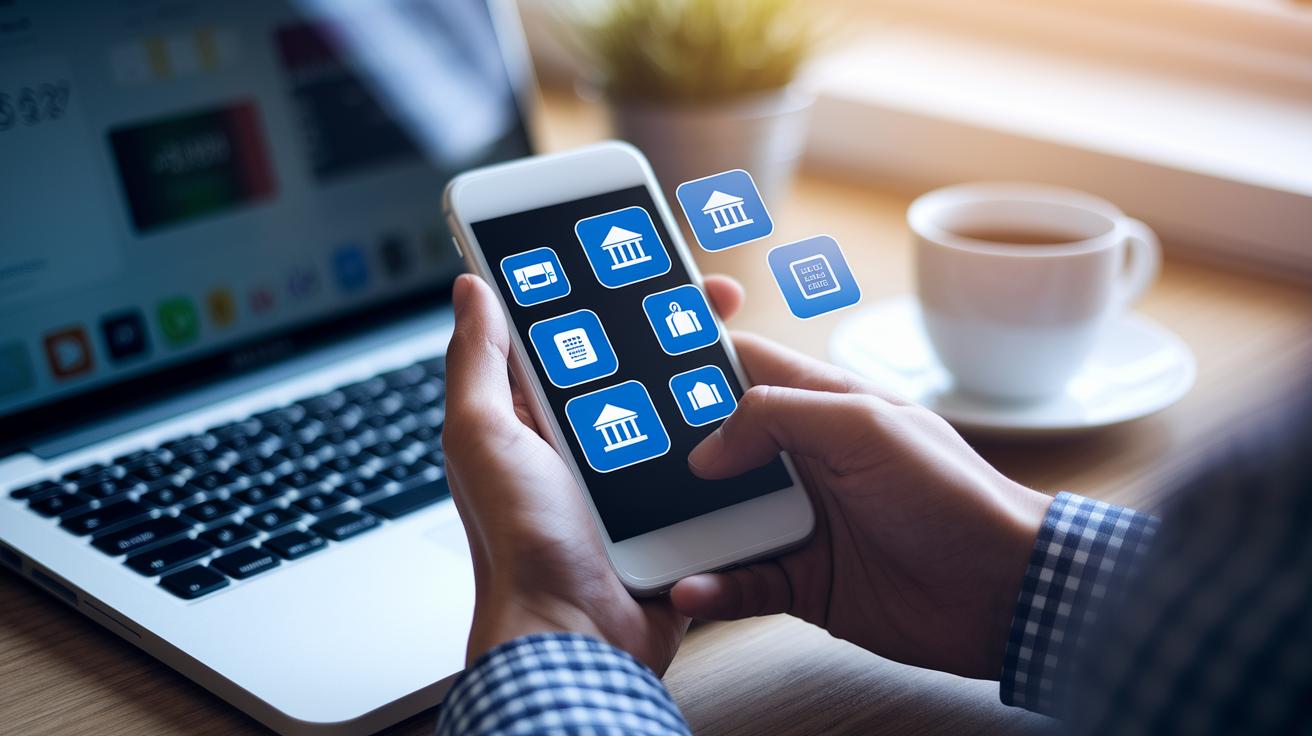
Apps link to your bank accounts with read-only access. This means they can check your transactions but cannot change anything. Open Banking standards make sure money only moves when you say so, giving you a secure and reliable way to deposit funds automatically.
Your money is kept safe in partner banks that follow strict UK rules, with funds covered up to £85,000 by FSCS. In other regions, similar rules use FDIC guidelines. This way, your money is protected even if the app provider runs into problems.
The system also checks for fraud by verifying your identity when you make deposits or withdrawals. Your personal spending data stays private, and multi-factor authentication adds an extra layer of security. Try this: review your app’s security settings today to ensure your account has all the protections in place.
Pros and Cons of Using Automatic Savings Apps
Automatic savings apps make it easy to put money aside without much extra work. They round up your purchases, deposit small amounts automatically, alert you when you hit a goal, and link smoothly with your bank. Plus, many come with FDIC/FSCS insurance (government protection on your savings) for an added sense of security.
On the flip side, some apps add a fee for each transaction. For example, Chip charges 45p each time you save. You might also earn lower interest compared to a traditional savings account. Additionally, they could limit your scheduling options and share your data in ways you might not expect. We discuss these points further in our full review of savings apps.
Your next step: Review your saving style and consider if an automatic savings app fits your needs.
Automatic Savings Apps for Different Financial Goals and User Types

Student Savers
Students with small budgets can benefit from apps that round up your everyday purchases. For example, an app like Plum takes the extra cents from every coffee run and puts them into your savings. Try this: set a daily savings goal on your smartphone and let the app do the work. Every small deposit can add up quickly when every penny counts.
Freelancers & Gig Workers
If your paychecks aren’t steady, consider using an app that lets you choose when to save. These tools let you schedule deposits to match your income flow. Experiment with different times until you find a rhythm that suits you. This flexible approach helps keep your savings growing, even during slower months.
Emergency Fund Builders
You can use apps to automatically build an emergency fund that covers 3 to 6 months of living expenses. By making small, regular deposits, you create a financial cushion for unexpected costs. Try setting up auto deposits today to start building that safety net. For more detailed steps, check out the guide on how to build an emergency fund.
Choosing the Right Automatic Savings App for Your Goals
Start by checking out the fees. Some apps ask for a flat fee each month, while others charge you each time you move money. Compare these costs with the benefits you get, like automatic saving features and round-up options that help your savings grow. Also, see if the app lets you move funds into high-interest accounts to boost your earnings.
Next, pick an app that you can customize. Look for one that allows you to decide how often to deposit money, set your round-up limits, and create specific savings goals. These features help the app work with your own spending habits and savings plans.
Then, review how the app connects with your bank and how customer support is set up. A secure, read-only connection keeps your money and data safe with multi-factor authentication. Plus, quick and helpful customer service means any issues get solved faster. An intuitive design will also track your goals and send clear updates on your progress.
Your next step: Make a list of the fees and features that matter most to you, then pick an app to try for a month and see how well it fits your financial needs.
| Cost & Fee Model | Integration & Security | Feature Set & Customization | User Interface & Notifications |
|---|
Final Words
In the action, we dug deep into how smart apps smooth out saving by cutting manual steps. We explored how bank links and AI-driven round-ups work, along with fee details and safety measures that keep your funds secure. Breaking down these tools helps you see which one fits your needs best.
Next, remember that a solid strategy can boost both personal and business cash flow. Automatic savings apps make it easier to set up steady progress so you can watch your savings grow over time.