
Ever feel swamped by managing your money? We know it can be tough. Budgeting, tracking daily spending, and even handling business finances can seem like too much.
Free financial software can help. These tools let you track your expenses, build clear reports, and manage business budgets with no hidden fees. They work on your phone or computer, making it simple to keep an eye on your cash flow.
Try this: Review our top free options and pick one that fits your needs. Start saving time today by streamlining how you manage your money.
Essential Free Financial Software Options for Personal and Business Management
Free financial tools offer a no-cost way to manage both your personal budget and your business finances. Many of these tools let you track expenses, send invoices, sync with your bank, set up budgets, and even back up your data online. They promise an easy-to-use experience without hidden fees, making them a smart choice for individuals and small business owners.
When it comes to keeping your personal budget in check, apps like Goodbudget, HomeBank, and Money Manager EX can help. They let you build envelope-style budgets, monitor daily spending, and create clear reports that show where your money goes. For example, you can record your weekly grocery spending and quickly see spending trends. Plus, these tools work on different devices, so you can always stay updated on your finances.
Small businesses also have several free software options. Zoho Books, for instance, offers a free plan for companies earning less than $50,000 a year. This plan covers basic tasks like invoicing and expense tracking, though it limits you to 1,000 invoices and one user. Other great choices include Wave, ProfitBooks, Manager.io, and ZipBooks. Wave allows you to create an unlimited number of invoices, while ProfitBooks sends automated email reminders and handles multiple currencies. Manager.io offers a robust desktop ledger with unlimited data entry, and ZipBooks streamlines both invoicing and payment tracking.
When picking free financial software, focus on what matters most: clear costs and the ability to customize. Compare key features like live data updates, multi-device access, and strong security measures such as encryption and two-factor authentication.
Try this: spend 10 minutes listing the features you need most. Then match these needs with free tools like an open source finance kit or one offering cloud backup. This simple step will help you choose the right tool for managing your money every day.
Top Free Personal Finance Software Tools

GoodBudget uses a simple envelope system for budgeting along with handy tips. Users find that checking their envelopes each week keeps spending under control. One user shared that reviewing their grocery envelope every Sunday stopped overspending. This routine helps you stay on top of every spending area.
HomeBank does more than just track expenses. It gives you clear spending reports that can reveal recurring fees you might have missed. One user found a weekly charge in these reports and cancelled it to save money each month.
Money Manager EX mixes manual logging with smart automatic categories. One person noted that even logging a $3 coffee every day uncovered extra spending that added up over time. Adding your own notes to transactions can help you see patterns and cut unnecessary costs.
| Tool | Innovative Tip | User Example |
|---|---|---|
| GoodBudget | Check envelopes each week for clear spending insights | “Reviewing my grocery envelope every Sunday helped me avoid overspending.” |
| HomeBank | Use detailed reports to spot hidden fees | “I discovered an overlooked weekly charge and cancelled the subscription to save extra cash.” |
| Money Manager EX | Write personal notes for transaction trends | “Tracking my daily $3 coffee habit showed me how little costs add up.” |
Try this: Spend 10 minutes today logging your recent transactions in one of these apps, and note any spending surprises you uncover.
Top Free Financial Software for Small Business Accounting
We've pulled together our earlier reviews to give you a quick and clear snapshot of these tools. Each entry shows what makes the tool special and notes a few limitations so you can decide which one fits your business best. Try comparing them to see which features match your needs.
| Product | Highlights | Limitations | Ideal For |
|---|---|---|---|
| Zoho Books | Create invoices, track expenses, and manage ledger functions, all great for businesses with less than $50K in revenue. | It’s a single-user plan with a limit of 1,000 invoices each year. | Small companies that need easy invoice automation. |
| Wave | Issue unlimited invoices, bills, and estimates while keeping detailed records. | You have to reconcile your bank statements manually. | Businesses that are comfortable managing transactions manually for extra detail. |
| ProfitBooks | Handles expenses, inventory, multiuser access, and multiple currencies, plus sends automated email reminders. | Customer support is limited on the free plan. | Startups that need more features than basic invoicing. |
| Manager.io | Offers a desktop ledger with unlimited data entry and a full schedule for bills. | Cloud syncing is available only with an upgrade costing $59 a month. | Businesses that prefer a desktop solution for more control. |
| ZipBooks | Features professional invoice tools, supports major cards and PayPal, and sends out automated reminders. | The free version lets you connect only one bank account. | Small enterprises looking for smooth invoicing and payment processing. |
Key Features to Compare in Free Financial Software
When picking free financial software, start by listing the features you really need. Look for tools that offer invoicing, expense tracking, and options for multiple users. One user mentioned that simply tracking expenses and using a basic invoice feature helped reduce unnecessary spending.
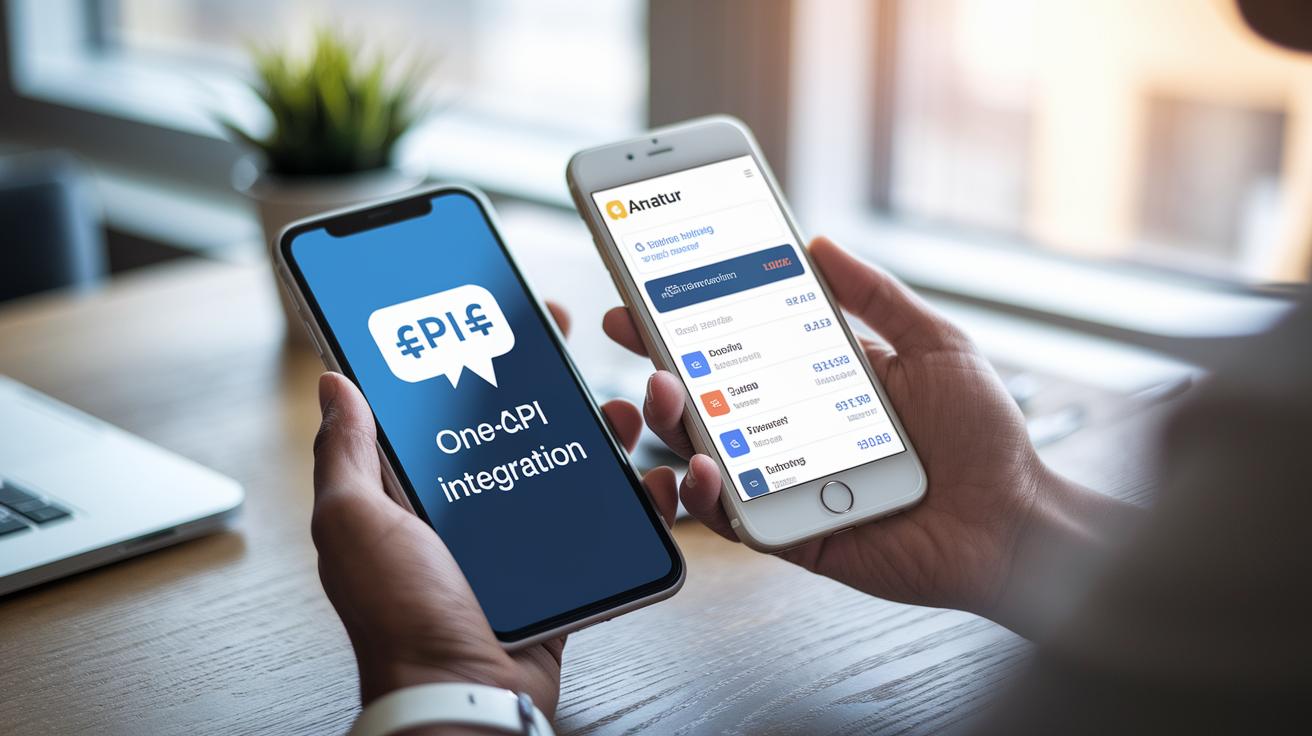
Next, make sure the software can sync with your bank. Automatic transaction updates save you from repetitive manual work. If you need to connect the software with tools like payroll or e-commerce, look for an easy API connection. This type of one-click integration can make your job simpler.
If you work with different currencies, multi-currency support is a must. One user saved hours every month with dynamic conversion features. Also, dive into customizable reporting and interactive chart builders that turn raw numbers into clear insights on spending trends.
Security is another key area. Check that the software uses encryption, offers automatic updates, and supports two-factor authentication.
| Feature | Benefit |
|---|---|
| Bank Sync Integration | Automatically updates transactions |
| API Connectivity Interface | Easy integration with other tools |
| Multi-Currency Support | Accurate conversion and reporting |
Your next step: Compare these features side-by-side and note which ones match your exact needs. This quick check will help you choose the best free financial software to keep your money matters simple and clear.
Limitations and Upgrade Paths for Free Financial Software
Free financial tools can help you keep your budget on track, but they often come with limits on users or transactions. They might not include advanced features like payroll or tax filing. If your needs are basic, these tools can work well, but you might hit a cap on the number of transactions or users. For example, you could start with a plan that lets you generate a few hundred invoices a month and later find it too restrictive as your business grows.
Some companies offer completely free models. Others use a freemium approach where you can try premium features for a short time, or you get only the basic tools locked behind limits. Always double-check for hidden fees, limits on backups or exports, offline access, and the strength of cloud support. Also, see if the tool works well on mobile for quick financial reviews.
- Review your current needs and future plans for record keeping and tax calculations.
- Check if the tool can help you prepare for audits or capture receipts to simplify reviews.
Upgrading usually means gaining access to advanced reporting, extra integrations, and higher limits for users and transactions. Try this: Write down your financial growth goals and compare them with your free plan’s limits. This will help you decide the right time to switch to a paid plan.
Free Financial Software FAQs

Q: Where can I download free finance software?
A: Check our download guide. It shows the key features and tells you where to find software that comes at no cost. Look for official providers who list their free tools clearly.
Q: How do I switch to a paid plan when my needs change?
A: Head to our upgrade section. It explains how to compare your current usage with the extra benefits. Follow the steps to change your plan when you're ready.
Q: What limitations and security practices should I know about?
A: See the limitations section for details on user caps, invoice numbers, and integration limits. The security part gives clear advice on things like encryption, regular updates, and backup options.
Final Words
In the action, we reviewed top tools that help keep both personal budgets and small-business accounting in check. We compared key features like expense tracking, invoicing, and bank-sync integration. You saw how free financial software can meet everyday needs and where upgrade paths might be needed. Dig into these options to match your unique style and level of demand. Take the next step by testing a few tools that suit your daily routine and see how they make managing money simpler. Stay positive and keep progressing one step at a time.
FAQ
Q: What is the best free financial software for small business and business use?
A: The best free financial software for business offers clear invoicing, expense tracking, and bank sync features. It serves small businesses with transparent pricing and easy customization to help manage daily cash flow effectively.
Q: Where can I download offline accounting software for PC?
A: Offline accounting software for PC is available as a free download that works without an internet connection. It lets you track transactions securely on your device while offering essential features for daily financial management.
Q: What free accounting software in Excel is available?
A: Free accounting software in Excel uses spreadsheet templates that let you record expenses, revenues, and budgets. They provide customizable tools using familiar Excel functions for both personal and small business finance tracking.
Q: What does lifetime free accounting software mean?
A: Lifetime free accounting software remains free indefinitely without hidden fees or subscription costs. It offers consistent features for financial tracking and reporting, making it a reliable tool for long-term use.
Q: Is there completely free accounting software or one without a subscription?
A: Completely free accounting software and those without subscriptions offer all key features at no cost. They allow users to manage finances without recurring charges or limitations on basic features.
Q: What is the simplest bookkeeping software?
A: The simplest bookkeeping software has an easy-to-use interface for entering transactions and generating basic reports. It is designed for beginners who need straightforward tools to track daily finances.