
Ever wonder if messy invoicing is eating into your freelance profit? Picture a simple system that tracks payments and shows your spending habits in just a few minutes.
We break down clear, step-by-step actions to help you set up tidy records and smart expense tracking. With solid organization, you can avoid surprise IRS issues and keep more control over your earnings.
This guide gives you a clear plan so you can spend less time on paperwork and more time doing the work you love. Your next step: try organizing your invoices today using our free template, and watch your bottom line improve.
Core Principles of Freelance Invoicing and Expense Tracking
Clear invoices and tracked expenses are vital for freelancers. Keeping good records helps you report all your income, especially payments of $600 or more that require a 1099. This practice helps you avoid IRS penalties and keeps your finances in order.
Keep your business money separate from your personal funds. Open a business bank account and use a dedicated business credit card for expenses like software fees and office supplies. This clear separation makes tracking spending and filing taxes much easier.
Try this: Each week, spend 15 minutes adding new expenses to a simple spreadsheet or digital tool. Note the date, amount, and category of each expense. At the end of the month, review your log and match each item with its receipt. For example, if you see an entry like “Office internet: $50,” you can spot trends that help with budgeting and planning potential deductions.
Well-organized records support smart budgeting and show you which costs are deductible, like travel or equipment expenses. This method not only keeps you tax compliant but also gives you a clear picture of your business finances.
Your next step: Set a weekly reminder to update your expense log and mark one day each month for a full review. These simple habits will boost your profit clarity and keep your financial records on track.
Setting Up a Freelance Invoicing Workflow

Begin by writing down the services you offer. Be clear about what each service includes so clients know exactly what they are paying for. For example, if you charge for consultation by the hour, state it like this: "Consultation – $75 per hour for strategy sessions."
Next, add a unique invoice number to each bill. This makes it easier to track your invoices and keeps your records in order. Also, set clear payment terms and due dates so clients know when to pay. For instance: "Invoice #102: Payment due within 15 days."
Decide whether you want to charge by the hour or use a flat-fee model. Pick the option that works best for you and meets your clients' needs.
- Create or download digital templates that feature your logo and include important client details.
- Clearly list accepted payment methods such as credit card, PayPal, or Venmo.
- Save draft invoices in a digital ledger so you can review them before sending.
This simple system helps reduce mistakes and speeds up your billing process. Try this: Build a basic spreadsheet with columns for the date, service description, amount, and due date. Test it out with a sample invoice (for example, "Website design: 10 hours at $50 per hour") and adjust the process until it feels smooth.
Effective Expense Tracking Systems for Freelancers
Freelancers have two main ways to track expenses. One way is to use a manual spreadsheet where you note down the date, amount, category, and keep a scanned copy of the receipt. For example, you might write down “Internet bill: $45 on 06/08” and attach its digital copy. This method gives you complete control but requires time every week.
The other option is an automated mobile app. These apps link directly to your bank or credit accounts and pull transactions in real time. They also scan receipts with your phone and sort costs into groups like office supplies, travel, software, and home office items. The apps then generate simple dashboards that show your spending trends, which helps you make quick, informed decisions.
Try this: Use a manual system for one month and then switch to an automated app the next month. Compare both to see which one fits your workflow better. Regular expense tracking, whether done manually or with an app, leads to smarter budgeting and greater confidence in managing your freelance finances.
Comparing Freelance Invoicing and Expense Tracking Tools

When shopping for software, focus on key features, cost, and how easy it is to use. Lunafi is a handy all-in-one tool that lets you create invoices, track expenses, and monitor your time. For example, you can quickly write an invoice like "Logo design: $500 due in 30 days" and then record every expense in the same app.
QuickBooks Self-Employed is built to help you track tax deductions and mileage. Its mobile app means you can add expenses on the go, so you spend less time entering data by hand. FreshBooks makes it simple to keep in touch with clients by sending invoices automatically along with reminders, which makes following up feel almost effortless.
Wave offers a free option that’s perfect if you’re just getting started. It covers basic invoicing and expense tracking, and even syncs with your bank account to keep things up to date without mounting monthly fees.
Below is a side-by-side comparison of these tools:
| Tool | Key Features | Pricing |
|---|---|---|
| Lunafi | All-in-one invoicing, expense, and time tracking; real-time reports (PDF/CSV) | $15–$25/month |
| QuickBooks Self-Employed | Deductions tracking, mileage, mobile app sync | $15–$25/month |
| FreshBooks | Client portal, automatic reminders, time tracking | $15–$25/month |
| Wave | Free invoicing, bank sync, basic expense log | Free |
Pick the tool that fits your work style best. Look for strong cloud and mobile features so you can update invoices and record expenses wherever you are. Your next step: Try one of these tools today to see which one streamlines your workflow the most.
Automating Your Freelance Invoicing and Expense Logging
Cut late payments by setting up automatic invoice reminders. For example, use your invoicing app to send a message like, "Invoice #101: Payment due in 5 days" so your clients know when to pay. This keeps your cash flow steady and reduces delays.
Save time with recurring invoices for retainer clients. Create a simple template that repeats key details like the service description and payment terms. For instance, you could use, "Retainer Fee: $500 per month, Invoice recurs on the 1st." This makes billing predictable and easy for everyone involved.
Connect your invoicing tool to payment gateways like Stripe or PayPal to see funds arrive instantly. This setup means payments are tracked right away, cutting down on follow-up tasks. Then, link your bank account with your tool so expenses are imported and categorized automatically.
Set up auto-categorization rules to sort transactions without extra work. For example, automatically assign charges from a specific vendor to a "Software Expenses" category. These steps help you keep real-time, organized financial records and free up time to focus on your business.
Your next step: Update your invoicing settings today to take full advantage of these automation features.
Maintaining Organized Freelance Records for Tax and Budgeting
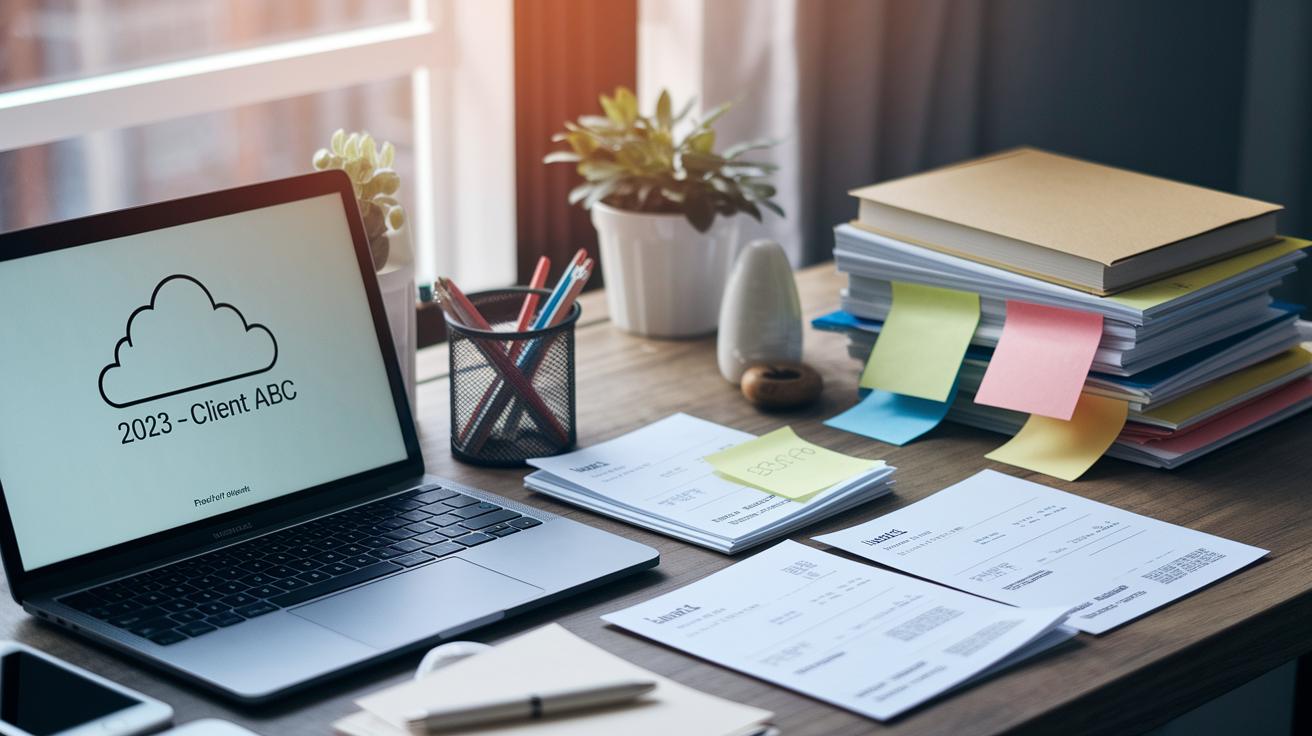
Set up a digital archive that fits your workflow. Create cloud folders labeled by year and client, like "2023 – Client ABC", to keep invoices and receipts all in one place. This simple system helps you grab documents quickly when tax time rolls around or if you're ever audited.
Next, track your deductible expenses by sorting them into clear groups such as equipment, subscriptions, travel, and home office costs. Use a spreadsheet or a user-friendly app to log each expense as it happens. Include columns for the date, a brief description, and the dollar amount so you always know what you can claim during tax season.
Follow IRS guidelines by keeping your records for at least 3 years. This gives you enough time to answer any questions from tax officials and keeps you covered if discrepancies arise. To make sure everything stays organized, set a reminder to review your records every three months. During these quarterly check-ins, generate expense and income reports, review your spending patterns, and confirm that all receipts and invoices are filed correctly.
Linking your expense data with your overall financial plan is a smart habit. Try using tools that sync with entrepreneur budgeting strategies (https://thefreshfinance.com?p=1357) to integrate your data seamlessly into your budget. This not only makes tax time less stressful but also gives you a clear look at your cash flow, helping you make smarter business choices.
Keep a printed checklist of your record-keeping best practices nearby. This simple reminder prompts you to update and review your files regularly, keeping your finances clear and reliable during tax season and beyond.
Your next step: Review your digital archive and set a quarterly reminder to check and update your records.
Troubleshooting Invoicing Errors and Expense Logging Glitches
Automation cuts down on mistakes, but sometimes glitches slip through and need a quick fix. When those issues happen, it’s best to take simple, clear steps to get things back on track.
If your invoice numbers start acting up, check your app settings. Software updates can change things unexpectedly. A quick review could fix repeated invoice numbers in just a few minutes.
When expenses don’t show up correctly in your ledger, look at the logs between your invoicing and expense tracking tools. This simple check often reveals delays or miscategorized entries.
For payments that come in late or don’t match up, double-check your reminder dates. A small typo can delay the notifications that let you know a payment is due.
Your next step: Use the checklist below on your next system check.
| Step | Action |
|---|---|
| 1 | Review tool settings after any update |
| 2 | Check logs for syncing issues |
| 3 | Verify digital reminder dates |
| 4 | Match ledger entries with system logs |
Regular checks like these help you catch problems early and keep your automated invoicing running smoothly. Try scheduling a quick review this week to stay ahead of any issues.
Optimizing Freelance Cash Flow with Invoicing and Expense Data

Use a real-time dashboard to check your cash flow every day. When a client pays slowly, you spot it right away. If invoices routinely stay unpaid for over 30 days, consider shortening your payment terms to speed up payments.
Keep an eye on upcoming expenses by matching unpaid invoices with bills that need paying soon. When there’s a gap between what you earn and what you owe, plan your invoice dates and deadlines carefully. This helps keep your reserve funds strong and avoids surprises during slower times.
Set up alerts to warn you of big expenses. For example, get a notice when a costly bill, like a software renewal or travel booking, is due within the next 2 weeks. This gives you time to adjust your spending or ask your vendor to delay the payment.
Try using a zero-based budgeting method. This means giving every dollar a job, from fixed costs to daily expenses.
- Watch for slow payments on your dashboard
- Compare your income with upcoming bills
- Set invoice dates that match your spending needs
Your next step: Use your current invoicing and expense data to add a dashboard alert for any invoice that is a week overdue. This simple move will help you tighten your cash flow and keep your finances steady.
Final Words
In the action, this guide laid out clear, step-by-step practices for managing invoices, tracking expenses, and automating your freelance work. We showed how to build repeatable systems to reduce errors and speed up processes. You now have strategies that cover everything from accurate record-keeping to smart budgeting. Follow these steps, use the provided templates, and refer back to this freelance invoicing and expense tracking guide to keep your finances on track. Keep pushing forward with confidence and steady progress.
FAQ
Q: What is a freelance invoicing and expense tracking guide (Reddit, template, free)?
A: The freelance invoicing and expense tracking guide offers ready-to-use free templates and community insights shared on Reddit. It outlines steps to record income and expenses accurately, making finance management easier.
Q: How do I keep track of expenses as a freelancer?
A: Keeping track of expenses as a freelancer means using digital ledgers or apps to log receipts and assign cost categories. This regular tracking helps with budgeting and tax preparation.
Q: Can I make $1,000 a month freelance writing?
A: Making $1,000 a month freelance writing is achievable by building a client base, setting competitive rates, and efficiently managing invoices and expenses to keep finances on track.
Q: What should a freelance invoice include?
A: A freelance invoice should include your business details, client information, a unique invoice number, service descriptions, amounts, payment terms, and clear payment instructions to speed up client payments.
Q: How do I record freelancer expenses?
A: Recording freelancer expenses involves entering each expense with the date, amount, and category. Use spreadsheets or mobile apps to scan receipts and review spending regularly.
Q: What invoicing and expense tracking tools are recommended for freelancers?
A: Tools like Expensify, Hiveage, Wave Accounting, QuickBooks, and Hive Invoicing offer features that simplify invoice creation and expense logging, helping freelancers manage finances effectively.