
Ever feel like your money is vanishing? You’re not alone. Try a simple budget tool that shows you exactly where your cash goes.
This tool helps you track every expense and plan budgets based on the money you really have. It uses spending envelopes and clear monthly reports so you can see exactly how you spend your money.
Your next step: Give this system a try. Set up your spending envelopes and track your expenses for one month. Watch how making small changes can lead to real progress in your finances.
Key Benefits of a Personal Finance Tool for Budgeting and Expense Tracking
A personal finance tool is a simple system that helps you manage your money by setting up budgets based on the cash you actually have. This means you work only with real funds rather than estimates, so you avoid spending more than you own.
It also tracks every expense you make. For example, you might see a note saying, "By cutting out a few unnecessary subscriptions, you saved $100 this month." This clear view of your spending lets you quickly spot savings and adjust your habits. The tool’s clean design makes it easy to record transactions accurately and save time.
When you update a transfer or split a transaction, the tool fixes both parts automatically. This makes keeping your records up-to-date a breeze. Plus, its simple net worth and cash flow reports give you a clear picture of your overall financial health.
- Set up envelopes for each spending category so you only use the money you have.
- Monitor your spending in real time with a digital tracker.
- Check out clear, detailed reports that reveal your real monthly savings.
Your next step: Try setting up your first spending envelope today to see exactly where your money is going.
Essential Features to Look for in a Personal Finance Tool

When picking a personal finance tool, check for features that boost accuracy and are easy to use. For example, find one with envelope budgeting so you only spend the cash you truly have. This method helps you avoid overspending because every dollar has a clear purpose.
A strong budgeting app comes with a custom report engine. This feature lets you create personalized net worth and cash flow reports on the spot. Picture a report that says, "Last month, after cutting back on dining out, you saved an extra $150." A clear dashboard gives you data-driven money insights at a glance.
Next, make sure the tool has good import flexibility. It should accept common file types like QIF, OFX, QFX, CAMT.053, and CSV so you can bring your historical data over easily from platforms such as YNAB4. An intuitive spending overview keeps you on top of daily transactions, while a simple undo/redo option helps fix any mistakes quickly.
Also, look for dynamic themes and dark mode to suit your viewing comfort on both computers and mobile devices. A detailed cost categorizer helps you track exactly where your money goes.
Your next step: Try out a free trial of a personal finance tool that highlights these features, and see how it can simplify your money management today.
Comparative Review of Top Personal Finance Tools and Apps
NerdWallet recently highlighted Monarch Money for its flexible budgeting options and family sharing feature. If you want a tool that lets everyone in your household manage money without extra fees, Monarch Money could be a great choice.
YNAB takes a different route by using a zero-based budgeting method. This means every dollar you earn is given a purpose right away. One user shared that assigning funds to spend, save, or pay off debt made them feel more in control.
Goodbudget offers an envelope budgeting style using a manual entry system in its free version. It works well for those who like to enter expenses by hand instead of having everything synced automatically.
Empower Personal Dashboard combines investment tracking with everyday budgeting. It is a good option if you are looking to grow your portfolio while managing daily expenses. Imagine a tool that even points out how your investment gains are boosting your net worth.
PocketGuard gives you a quick look at your spending with its "In My Pocket" feature. This is ideal for a fast check on your spending throughout the day.
Copilot Money uses AI to automatically sort expenses into smart saving categories, and it works best for Apple users.
Finally, WalletHub adds extra features like credit monitoring and identity protection. This all-in-one approach can be reassuring if you want a broader view of your finances.
Your next step: Review what matters most to you. Pick a tool based on whether you like automatic tracking or prefer to enter things manually, and then try it out for a quick win in managing your money.
Pricing Models and Subscription Options for Personal Finance Tools

Personal finance tools come in different pricing styles. Some, like WalletHub, are free because they show ads. Others offer a free version that requires a bit of work, Goodbudget’s free plan means you have to add your transactions by hand. Upgrading to a paid plan can give you handy features like auto-sync, which saves you time.
Many tools use a subscription model with extra benefits. EveryDollar, for example, relaunched in January 2026 with a margin finder and live coaching to give you extra support. If you’re all about Apple, Copilot Money only works on Apple devices. Monarch Money stands out by letting multiple users share one subscription, which is perfect for families or couples.
Tiered pricing plans often add advanced reporting and personalized help. Pick the level that fits your money style. Your next step: compare the features and fees today to see which tool will help you manage your money better.
Integration and Sync Capabilities in Modern Personal Finance Tools
Modern finance tools now come with features that help you manage your money effortlessly. They sync your data across devices in real time so you always know where you stand. These tools link directly to your bank, pulling accurate transaction details. For example, users in the EU and UK connect through goCardless while those in the US and Canada use SimpleFIN, keeping things smooth and straightforward.
They also let you import files like QIF, OFX, QFX, CAMT.053, and CSV. This means you can quickly bring in your old data and track your spending online. Linked transfers update paired entries automatically, which saves you the hassle of manual changes when money moves between accounts.
Privacy is a top priority. With optional end-to-end encryption, your data stays safe during transfer and storage. Plus, the local API allows you to build custom integrations that fit your unique financial workflow. These tools act like a smart assistant, giving you real-time updates and practical insights wherever you are. Your next step: explore these advanced features and start streamlining your money management today.
User Experience and Interface for Effective Money Management
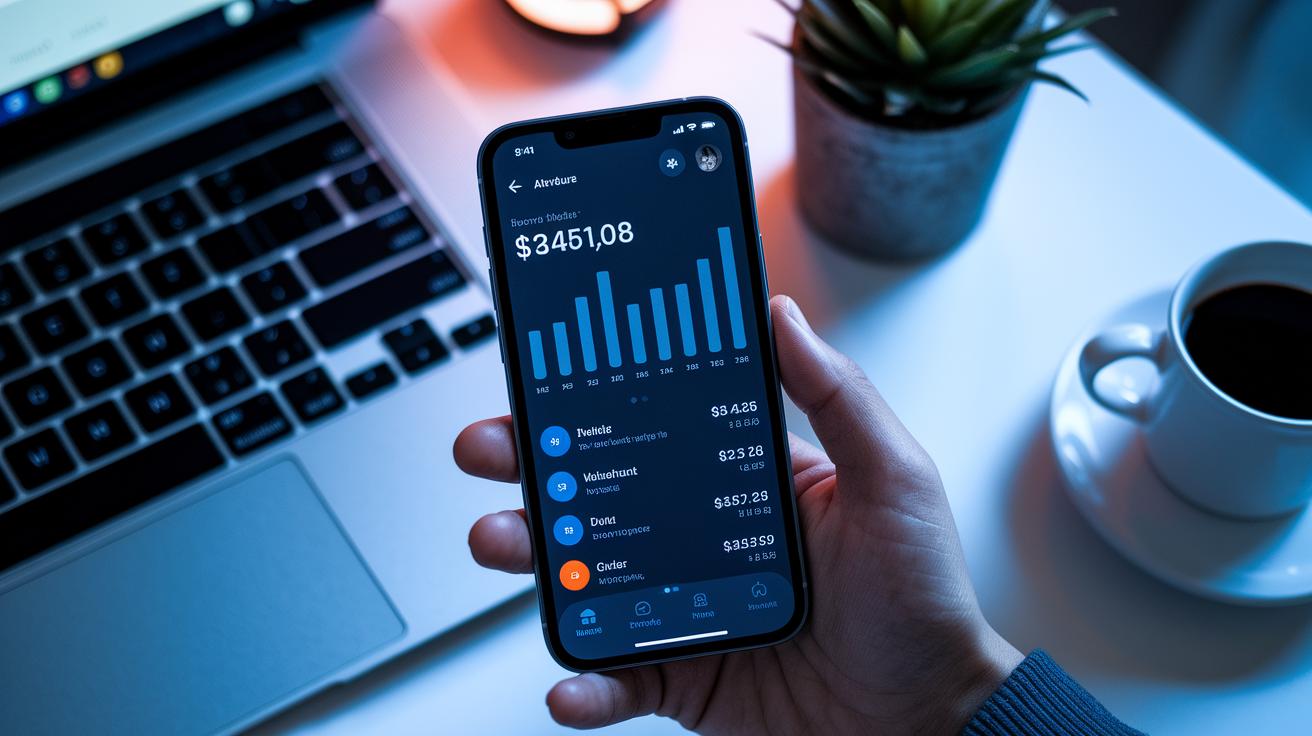
A clear design lets you manage your money without fuss. With an easy-to-use wealth organizer, the features you need are always at your fingertips, so you spend less time hunting for information and more time keeping track of your spending.
The interface shows your key charts and numbers in a simple, uncluttered way. This means you get the info that matters most at a quick glance.
The tool also supports dark mode and matches your device’s theme. Imagine opening it on your phone at night and having a view that’s just right for low light.
A split-transaction editor brings related transactions into one view. This makes it easier to spot any mistakes and fix them fast. You can also customize your dashboard by pinning favorite reports like monthly spending or savings progress. This setup ensures you focus on the data that guides your decisions.
Everything stays consistent across your devices. When you change your dashboard on a desktop, the same update appears on your phone and tablet.
Try this: Open your app now, rearrange the panels to highlight the reports you use most, and enjoy a simple, personalized view of your spending.
Security, Privacy, and Data Ownership in Personal Finance Tools
When handling your money details, using a tool that puts privacy first is crucial. Many finance apps now let you self-host your data, meaning you remain in control instead of handing it over to someone else. A built-in distributed sync system also helps keep your setup running smoothly even if one part fails.
Choose a tool that offers end-to-end encryption. This feature protects your data both when it moves online and when it's stored. You might see a note that says, "Your data is safe because of end-to-end encryption," which reassures you that no one can sneak a peek at your finances. Plus, a design that avoids third-party trackers means your spending habits stay completely private.
Some tools even give back to the community by using a portion of their fees (for example, 20%) to support shared projects. Using a secure budgeting tool that combines strong privacy with clear money insights can boost your financial tracking and transparency.
Your next step: Check if your current finance tool offers self-hosting and end-to-end encryption, and consider switching to keep full control of your financial data.
Getting Started: Choosing and Setting Up Your Personal Finance Tool

Start by choosing a budget tool that matches your style. Import your past records, like a CSV, QIF, or OFX file, to give the tool a clear picture of your spending. For example, try uploading last year’s bank statement so you can see your spending patterns. Your next step: Import your data now.
Next, set up spending envelopes that mirror your real paychecks. This means dividing your income into clear categories like bills, groceries, and savings. If you earn $2,500 a month, decide in advance how much goes into each category. Many tools even include a zero-based budgeting template to help you get started.
Then, connect your bank accounts using the in-app sync feature. This step automatically pulls in real-time data, letting you track your money without entering everything by hand. Once connected, take a few minutes to split and categorize transactions. Doing so will keep your records accurate and help you spot any differences with your bank.
After that, create custom net worth and cash flow reports. These reports show how money moves over time, highlighting areas where you might save more or cut spending. If you ever make a mistake, use the undo/redo options to fix it right away.
Finally, adjust the theme settings so the interface is comfortable for you, whether you’re at home or on the go. Try this: start by importing your recent bank data and creating spending envelopes. As you watch all the pieces come together, you’ll have a clear picture of your finances, making it easier to take control.
Final Words
In the action, this post outlined how using a personal finance tool can keep your budget on track. We broke down its benefits, key features, side-by-side comparisons, pricing choices, and setup tips. Each section showed you how a tool can work for real incomes and cut down common mistakes.
Your next step is to pick a tool that fits your needs and try a few features out today. Your efforts can lead to better control over your money and stronger confidence in making financial decisions.
FAQ
Q: What is a free personal finance tool?
A: The free personal finance tool option provides cost-free budgeting and expense tracking features. It helps you manage spending through envelope budgeting and simple reporting without any subscription fees.
Q: How can I use a personal finance tool online?
A: The personal finance tool online allows you to manage your budget from any device. It offers real-time updates, bank sync, and clear financial reports accessible through a web browser.
Q: Where can I download Microsoft personal finance software for free?
A: The Microsoft personal finance software free download gives you a Windows-integrated tool that tracks expenses and budgets without charge. It’s designed for simple money management without a subscription.
Q: Which are the best free personal finance software options?
A: The best free personal finance software options combine essential budgeting, expense tracking, and reporting without charge. They offer straightforward features ideal for keeping your financial picture clear.
Q: What defines the best personal finance software?
A: The best personal finance software features comprehensive tools like envelope budgeting, detailed reports, and easy bank integrations. It delivers clear spending insights and helps you see real savings.
Q: Where can I find personal finance software without a subscription?
A: The personal finance software without subscription models let you manage expenses and budgets without recurring fees. They offer one-time purchase or free versions that deliver robust money management features.
Q: What are the options for offline personal finance software?
A: The offline personal finance software options provide desktop-based budgeting and expense tracking tools. They allow you to work without an internet connection while still offering solid spending insights.
Q: How do I choose the best personal finance tool for my needs?
A: The best personal finance tool is chosen by comparing features like envelope budgeting, real-time reporting, ease of use, and data security. This helps ensure it fits your money management style.